
Auth Token Flow — Full-Stack JWT Authentication
The whole login flow, with nothing skipped
Auth Token Flow is a full-stack app that walks through JWT authentication from start to finish: signup, login, a protected API and a session that survives a page reload. Most auth tutorials stop once a token comes back. This one covers the parts that usually get skipped: duplicate signups, error messages that give away which emails exist, and a frontend that stays logged in.
- Type
- Full-stack authentication app
- Role
- Full-stack development
- Core stack
- React · Express · MongoDB · JWT
- Focus
- Auth flow, validation, session handling
The problem
Authentication looks simple from the outside: a form, a password, a token. The hard parts are the edge cases. Two signups can arrive with the same email at the same moment. A login error can quietly tell an attacker which accounts exist. A token saved in memory disappears on refresh, so the user is logged out without warning.
The goal was one small app where every step of the flow can be seen and tested, with each of those edge cases handled on purpose.
What I built
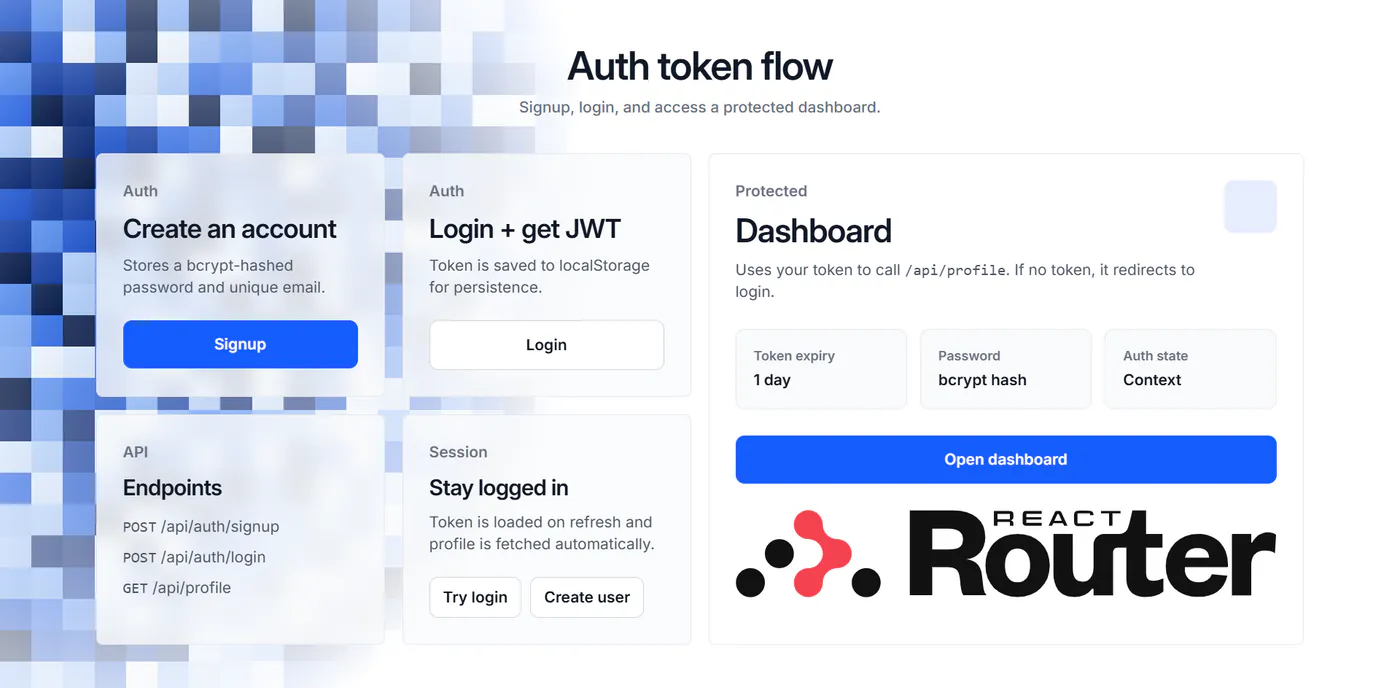
An Express 5 API backed by MongoDB and Mongoose, and a React 19 frontend in TypeScript with React Router 7, Tailwind CSS 4 and Vite. The frontend ships with a Dockerfile for container deployment.
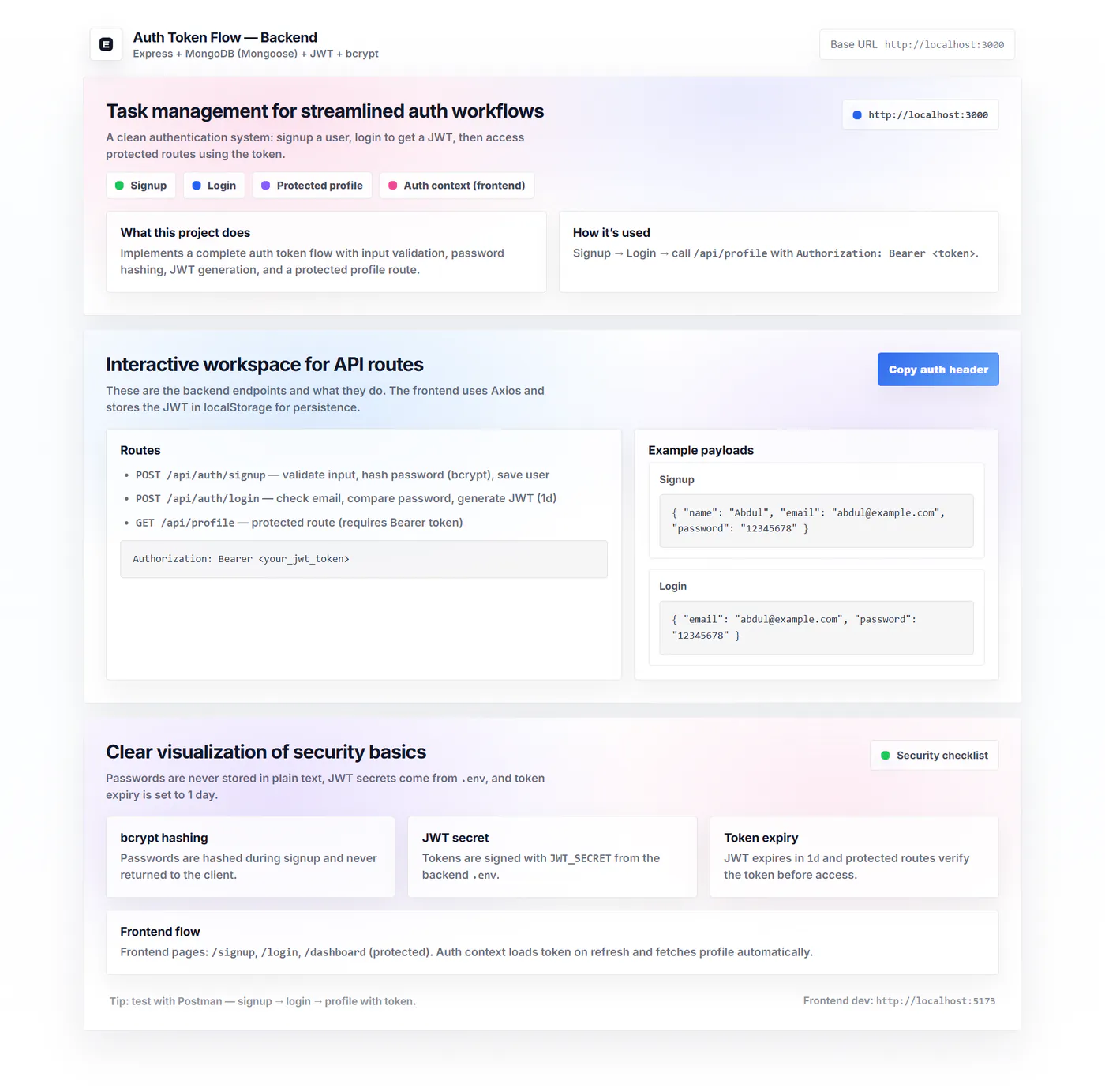
Signup API: checks the name (at least 2 characters), email and password (at least 8 characters), cleans up the email, rejects duplicates and hashes the password with bcrypt.
Login API: checks the email and password and returns a signed JWT that expires in 1 day.
Protected profile API:
GET /api/profilesits behind Express middleware that checks the Bearer token and returns the logged-in user.Home, Login, Signup and Dashboard pages: built with React Router 7, with loading states and clear error messages throughout.
Auth Context: manages login state across the app, and the Home page button changes depending on whether you are logged in.
Axios interceptor: adds the Bearer token to every request automatically.
The technical decisions, and why
Login errors that do not say which part was wrong
A wrong email and a wrong password return the same error message. If “no account with that email” and “incorrect password” were different, the login form would tell anyone which emails are registered. Keeping the message generic costs the real user very little and closes that gap.
Checking for duplicate emails twice
Signup first looks up the email so it can return a clear “already registered” message. That check alone is not enough, because two requests can both pass it before either one saves. The unique index on the email field is the real guarantee, so the API also catches MongoDB’s duplicate-key error and turns it into the same friendly response instead of a server error.
Cleaning the email before anything else
The email is trimmed and lowercased before it is validated, checked for duplicates or saved. Without that, Abdul@Example.com and abdul@example.com would count as two different accounts, and the user who typed the first one would not be able to log in with the second.
Auth as middleware, not a check inside each route
Token checking lives in one Express middleware that reads the Bearer header, verifies the JWT and attaches the user to the request. The profile route only has to use it. Any new protected route gets the same checks by adding one line, so no route can forget to do it.
A session that survives a reload, and the trade-off behind it
The token is saved in localStorage, and the Auth Context loads it on startup, so refreshing the page does not log the user out. An Axios interceptor adds it to every request, so no component has to deal with headers. The trade-off is that any script running on the page can read localStorage. That is acceptable for a project built to show the flow clearly, and an httpOnly cookie is the next step for a production app.
Where it landed
The app runs the full flow from start to finish: sign up, log in, reach the protected dashboard, refresh, and still be logged in. Duplicate emails, bad input and wrong passwords all return clear, safe responses.
The main lesson is that auth is mostly about edge cases. Issuing a token takes one function call. The real work is making sure the database, the error messages and the frontend all handle the unusual cases correctly.